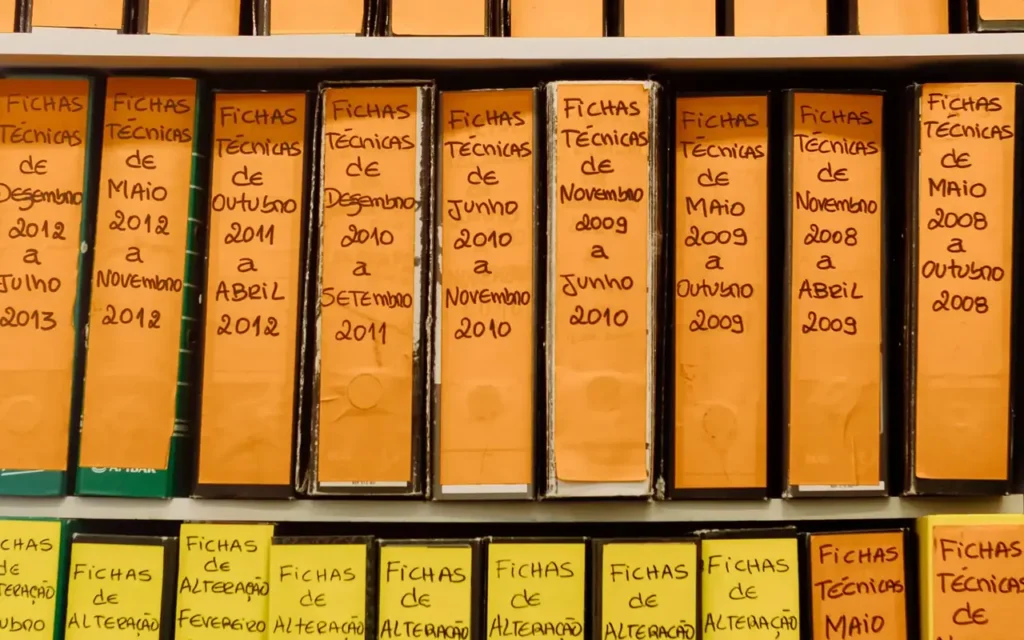
A contract might exist in a physical folder, an email and a scan called “scan001.pdf”. If it cannot be found by customer, number or project, scanning simply transfers disorder from a cabinet to a digital folder. A digitisation and archiving service organises documents, searchable information and access rules.
In a project for business archive digitalisation, we prepare the full workflow: inventory, scanning, text recognition, indexing, verification and use. The operational objective is for an authorised person to retrieve the correct document and verify its origin.
Scanning, OCR and archiving are distinct activities
Scanning produces a digital representation of a page. Optical character recognition, or OCR, extracts text from the image and can make it searchable. Indexing adds structured information such as document type, customer, date, number and project. Together they support retrieval using criteria that matter to the business.
Internal document management and regulated electronic archiving have requirements that need to be distinguished. Romania's Law 135/2007 establishes the framework for electronic document archiving. Where the project includes that service, the relevant documents, roles and providers are defined under the applicable regime. Scanning a folder is not itself a decision to destroy its physical originals.
Who the service is for
It suits businesses frequently consulting contracts, technical documentation, project files, purchasing records and administrative documents. The project can begin with a single category, such as active contracts, before addressing an extensive historical archive.
Analysis covers volume, formats, physical condition, retrieval frequency and authorised users. We identify confidential records and cases where departments use different copies. Priority follows retrieval needs and operational value rather than simply the number of boxes. A category that staff consult daily can be a useful first stage.
What the project can include
- Inventory: categories, folders, identifiers and links between physical records and digital entries.
- Preparation and scanning: page order, formats, orientation and legibility checks.
- OCR and extraction: searchable text and structured fields appropriate to document types.
- Indexing: controlled customer, project and document categories with validation and duplicate rules.
- Access and versions: role permissions, change history and preservation of original digital files.
- Integration: connections to CRM, ERP or internal portals through available interfaces.
Records created electronically are collected in their original format with the elements needed for verification. A preview or searchable derivative can be generated separately. OCR processing or conversion for reading should therefore not overwrite the signed document or source file. The relationship between original and derivative remains recorded.
An example: a searchable contract archive
In an illustrative workflow, a company holds contracts and amendments in yearly folders. Inventory assigns an identifier to each set and records its physical location. Staff scan documents in the agreed order, check the pages and connect them to the corresponding entry.
OCR supplies searchable text, while agreed fields are entered or extracted: contract number, counterparty, date and project. Important values pass validation. An amendment is connected to its base contract rather than appearing as an isolated file. Files and metadata are checked before becoming available to users.
An authorised colleague searches by customer and filters by type and period. Results show the relevant version and related documents. If the physical original is needed, the identifier leads to its inventory location. Search results follow the same permissions as file access, including any displayed text excerpts.

Recognition quality control
Scanning quality affects extraction: skewed pages, small characters, stamps and tables need appropriate checks. Clear printed text is handled differently from handwritten records. A representative sample is assessed before the entire volume is estimated.
Microsoft's document extraction guidance distinguishes confidence scores from verified results. Project thresholds are calibrated against company records and critical fields have explicit checks. Fast retrieval is useful when the file found is complete, readable and associated with the right entry.
Acceptance can check missing pages, sequence, duplicates and required fields. For large batches, the quality plan specifies automated checks, human review and correction handling. The result retains batch information and the person validating it. Changes to an index value should remain distinguishable from replacing the underlying document.
Advantages, retention and use
An organised archive simplifies retrieval, reduces parallel searches and allows several teams to use the same reference record. Documents can be connected to CRM or ERP operations without uncontrolled duplication. History records additions and changes.
Retention periods are defined by category under applicable requirements, together with the procedure for records no longer needed. A single duration is not assigned to every company document. Backup, restoration and export are tested for metadata and document relationships as well as the files themselves.
Useful measures include retrieval time, completely indexed documents, metadata corrections and cases where a result is missing or unreadable. Before-and-after comparisons use the same request types. Operating instructions also identify who can correct an entry and who approves changes to classification rules.
Frequently asked questions about scanning and archiving
Can we start with active documents only?
Yes. A defined batch validates categories, access and search. Historical records can follow using the agreed rules and checks. The initial design should still consider the types of records expected in later stages.
Can users search inside a document?
Yes, where text is available or recognisable through OCR. Results must respect the user's permissions, including any text excerpts displayed by search. File access alone is only part of that check.
Can OCR read all handwriting?
We assess actual documents and required fields through a sample. Records failing validation receive manual completion or review, with a history of corrections. The pilot establishes the practical handling method for each category.
Can documents be destroyed after scanning?
Disposal of originals is a separate decision based on document type and the applicable legal procedure. The scanning project preserves links to originals and does not automatically trigger their destruction.
Can the archive connect to a CRM?
Yes, using suitable identifiers and interfaces. A contract can be linked to a customer and project, with permissions checked in both applications. One location is designated for the reference document.
How is the quotation calculated?
Page counts, formats, physical preparation, indexing, verification and integrations determine the scope. For scanning and archiving within business digitalisation, a pilot batch provides the estimating basis, while storage and administration are shown separately.