
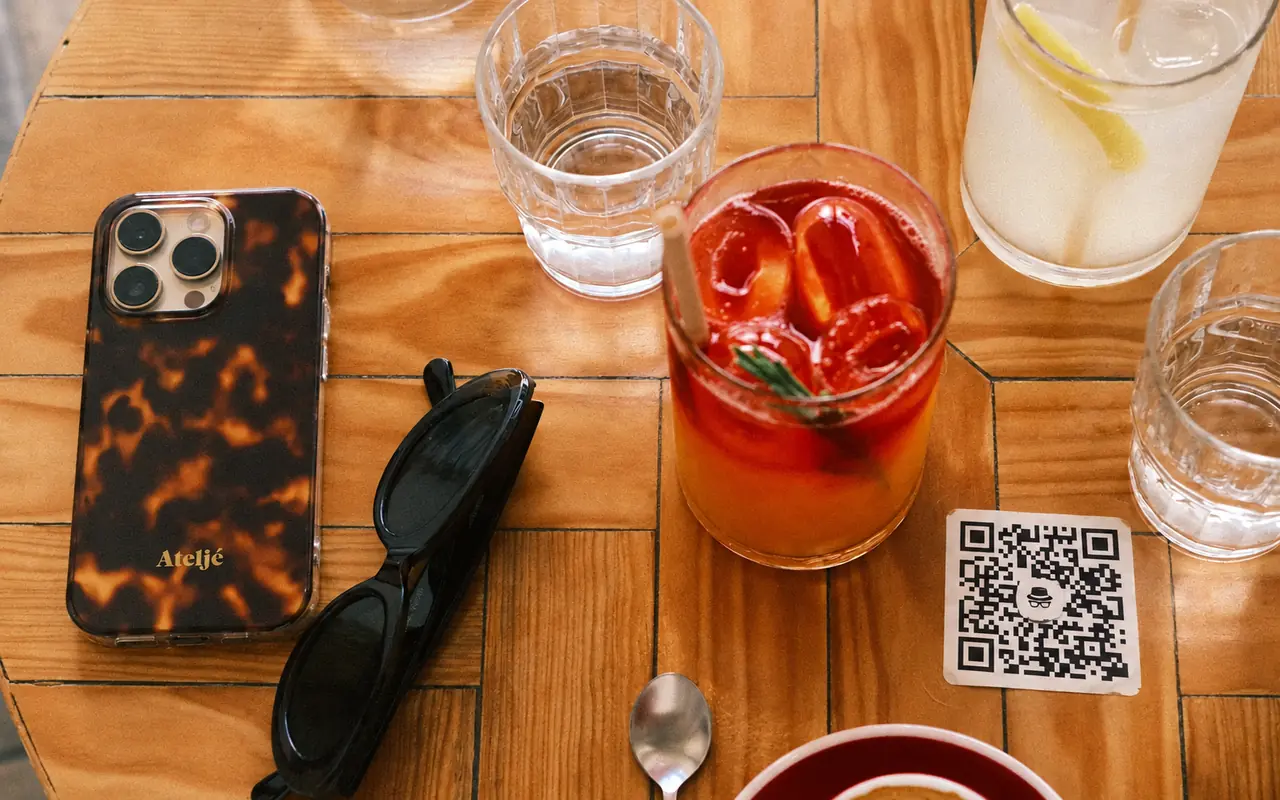
Restaurants, cafés and pizzerias
Menus scanned at the table, drinks lists, daily selections or a reservation page. Use a separate code for Google reviews after the customer’s experience, accompanied by a neutral invitation.
Services · Applications and automation
The restaurant menu, accessible with a quick scan at the table. With WebHat QR, customers reach the page your business chooses, and you can change the destination without reprinting the code.
The qr.webhat.ro platform is designed for restaurants, shops and service businesses using codes on tables, receipts, packaging, posters or digital materials. Manage the codes, their presentation and visit statistics from your business account.
The menu, straight from the table
A table stand labelled “View the menu” gives customers a clear destination: the restaurant’s mobile page or a readable public PDF. Choose the menu address in the platform and test the code before printing. When you replace the file or move the menu to another website, update the destination; stands already distributed can retain the same code.
Suitable situations
The service fits situations where customers need an easy connection from an object, place or digital material to an online page. For each use, select an existing address and a message that explains exactly what opens after scanning.
Menus scanned at the table, drinks lists, daily selections or a reservation page. Use a separate code for Google reviews after the customer’s experience, accompanied by a neutral invitation.
Guest information, breakfast menus, room service, facilities and access instructions. A code in the room or at reception can lead to a page prepared for that particular location.
Catalogues, product specifications, dimensions, options and instructions. A code beside a product can open its dedicated page without requiring shoppers to search for the model again across the entire website.
Service lists, prices and the appointment system already used by the business. On a business card or at reception, the code gives customers a simple way to return to the appropriate page.
Public appointment pages, contact details, opening hours and information prepared for visitors. Place the code at reception or on information materials; the destination needs to be accessible to its intended audience.
Appointments, instructions after a repair, contact details or a feedback invitation. Put the code on documents given to customers, retaining the access point when the information page changes address.
Class timetables, instructor information, access rules and an existing registration page. The entrance poster can remain in use when you update the schedule or redirect to a new timetable.
Schedules, location details, attendee information or the event’s ticket page. Distribute codes on invitations, badges and screens, with labels distinguishing the programme from access to tickets.
Manuals, instructions, maintenance guides and product presentations. The code on packaging can lead to updated documentation, while the destination page remains the responsibility of the business supplying the information.
Property pages, floor plans, photographs, virtual tours or an adviser’s contact details. A code on a property sign provides access to information about that property, including when its page moves to another website.
Course schedules, registration pages, rules or public materials for participants. Codes on posters and documents simplify access, provided the selected files have permissions appropriate for their audience.
Portfolios, service information, contact forms or professional pages. A code on a business card or in a presentation can maintain the connection to the business when it reorganises its website.
Solution structure
The code contains a stable WebHat address that redirects to the destination configured in your account. The platform manages that connection and its visit statistics; your business separately prepares the menu, catalogue, form or other page customers are directed to.
Process
Prepare the public page and check that it opens well on a phone. For Google, select the review link for the correct location.
Activate your account, enter the address and choose the code’s presentation. The label should explain what customers find after scanning.
Check a sample at its final size with different phones. In materials read on a phone, also provide a link that can be tapped directly.
Change the destination when needed and review visits. Keep the page current and the plan active while the codes are in use.
Subscriptions
The current WebHat QR platform offer. Displayed prices are final. The free period is granted once, upon account activation, without a card; it is not a permanent free plan.
RON 0
2 active QR codes for 4 months from account activation. Test, for example, your menu and a second destination for customers.
RON 100 / month
6 active QR codes with a monthly subscription. An option for businesses that need more destinations and a monthly usage period.
RON 600 / year
6 active QR codes with an annual subscription. Suitable for codes used over the longer term on tables, packaging, posters and materials distributed to customers.
FAQ
Change the destination in your account without changing the dynamic code. If you update the menu at the same address, the destination can stay unchanged too. Check the new page after every important change, and keep the label beside the code consistent with its purpose.
Yes, using the review link for the correct business or location. Google also provides its own QR code; WebHat adds destination management, customisation and visit statistics. Customers decide whether to write and which rating to give. Request genuine feedback without rewards, pressure or selecting only satisfied customers.
The code opens your chosen address. Menus, orders, reservations and payments are available only if the destination page provides them. WebHat QR manages codes and redirection; the destination page’s content and features are prepared separately.
The statistics show access through the code. A visit does not confirm an order, booking or posted review. Unique visitors and location are estimates; commercial outcomes need to be tracked in the systems that actually record them.
After expiry there is a 7-day grace period. On suspension, codes and data are retained, but redirection to the destination stops and a WebHat page appears. Codes reactivate after payment confirmation. Plan renewal when using codes on printed materials.
Useful guides and services
Next step
