Instagram has added iPad support to Edits, its video editor. The App Store version history dates version 457.0 to November 23, 2026, and the Romanian listing now includes tablets running iPadOS 16.3 or later. The update also lets users select part of a recording before importing it into a project and generate captions while continuing to edit. Two color features, importing LUT files and converting log footage, are listed under Labs.
The iPad gives the editing timeline more room
Edits launched in April 2025 as a video editor for phones. In the new version's listing, Instagram describes the iPad experience in terms of the additional space for the timeline and for the tools used to adjust cuts and transitions. The timeline is where sequences are ordered and adjusted over the duration of the video. It was already available on phones, where Meta documented frame-level editing and the ability to work separately with clips added to a project.
The Romanian listing also retains iPhone compatibility starting at iOS 16.3. The app is free to download, and the storefront lists in-app purchases. Romanian appears among the available languages alongside English and others. That list describes app localization. The audio languages supported for automated caption generation are separate, and the version note does not detail them.
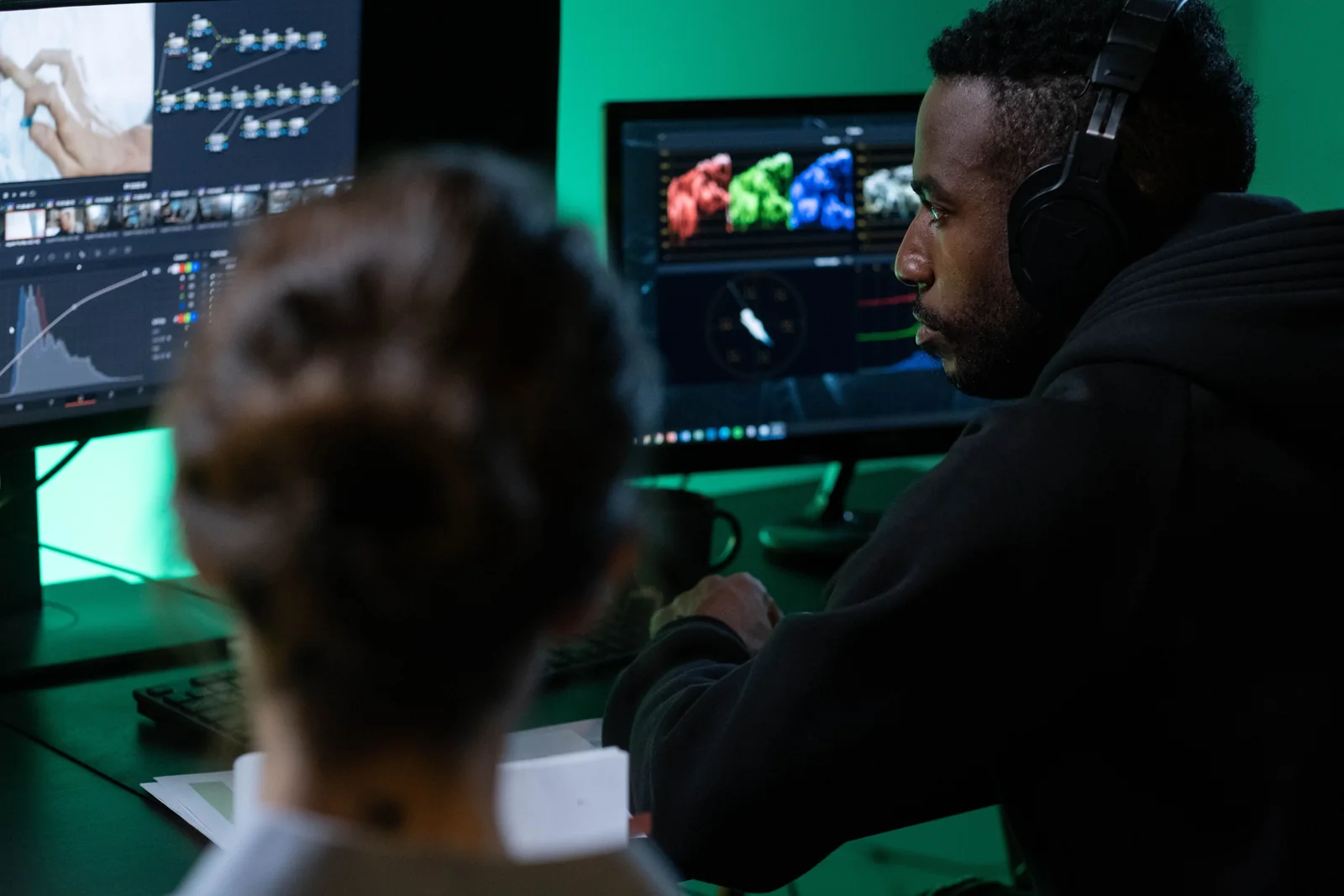
Editors can select a segment before it reaches the timeline
Edits could already adjust the length of clips placed on the timeline. The change in 457.0 moves the initial selection to import. From a recording with several takes of the same line, an editor can choose the portion to add to the project. The timeline receives that selection, and the editor's tools remain available to trim the clip further and line it up with adjacent sequences.
This operation selects a time range from the recording. In a clip showing a product demonstration, for example, it separates the segment that will be used from the rest of the recording before it enters the timeline. Cropping the visible frame and controlling speed are different operations. They change which part of the image is visible and how long the action takes to play, respectively. Clip speed curves were already listed in version 456.0, dated November 16.
Captions are generated while editing continues
The Edits description already included automatic caption generation and customization of how captions appear on screen. The change in 457.0 is that the editor can keep working in the app while the text is being generated. In a project with dialogue and illustrative footage, processing captions and adjusting the timeline are therefore activities that can overlap. Instagram describes this behavior for the time the user continues editing in Edits.
The November 16 update focused on other operations. Instagram listed automatic volume balancing and noise reduction across the timeline, speed curves and duration controls for text animations. Adjusting audio changes how the edit sounds, while generating captions produces the text displayed in the video. Background processing changes when the editor can return to other work in the project.
LUT imports and log conversion appear under Labs
Instagram has added three filters, Saudade, Cafuné and Borogodó, credited in the 457.0 notes to the creator @vicgaibar. The same update lists importing .cube files and converting log footage under Labs. A LUT is a table that transforms color values in an image. It can convert footage recorded in a certain profile or apply a visual look to that footage, depending on how it was built.
Log footage uses a brightness encoding that may need conversion to display with contrast and colors suited to the working format. The Labs feature concerns this source footage, while the creative filters are presented as options for the look of an edit. The version note confirms .cube import and log conversion in Labs. It presents those tools separately from the filters added to the editor and from app availability on iPad.
Export and Reels insights predate the tablet version
In the official description, Edits can export video at 4K resolution without a watermark for sharing outside Instagram as well. Meta presented direct sharing and watermark-free export when it launched the editor. The app also provides a separate dashboard for tracking Reels performance. The indicators relate to published material, while selecting segments, processing captions and correcting color happen during production.
In its first-year review, Meta described Ideas as a space for working notes, saved clips and audio from Instagram. It is used to prepare a project. At the other end of the workflow, Meta documented skip rate for a Reel as an example of an indicator available after sharing. The company had documented that metric when the app launched. In the current listing, iPad support and background captions are presented in the editor's version history separately from the Reels insights dashboard.
The App Store history also records an earlier change to the shape of the finished video. Version 441.0, dated August 3, 2026, added more aspect ratios. The aspect ratio determines the proportions of the image in a project. November's pre-import selection instead concerns the duration of part of a source file. An edit can combine the two operations, keeping the shape of the video distinct from the segment selected from each recording.