Air gap malware is software intended to compromise systems physically separated from ordinary networks. Separation reduces the paths for remote communication. Isolated equipment still receives updates, files or authorized maintenance. The practical question for a business is what enters that area, who approves each transfer and what evidence remains afterward.
Why the path of a file matters
Equipment disconnected from the internet can receive data from administrative systems or from a supplier that maintains its software. When a transfer is necessary, storage media, transfer stations and files must follow the rules of the isolated area. Start with an inventory of those crossings. Include routine flows and rare interventions, such as replacing a computer or applying a manufacturer update.
For systems with a major impact on production, the team can use a controlled station to check files and restrict the types of data allowed to cross. When a manufacturer provides a way to verify authenticity, check that the material matches the approved source and version. The identity of the storage device and the person responsible for the transfer should be available from the records afterward.
A workshop example
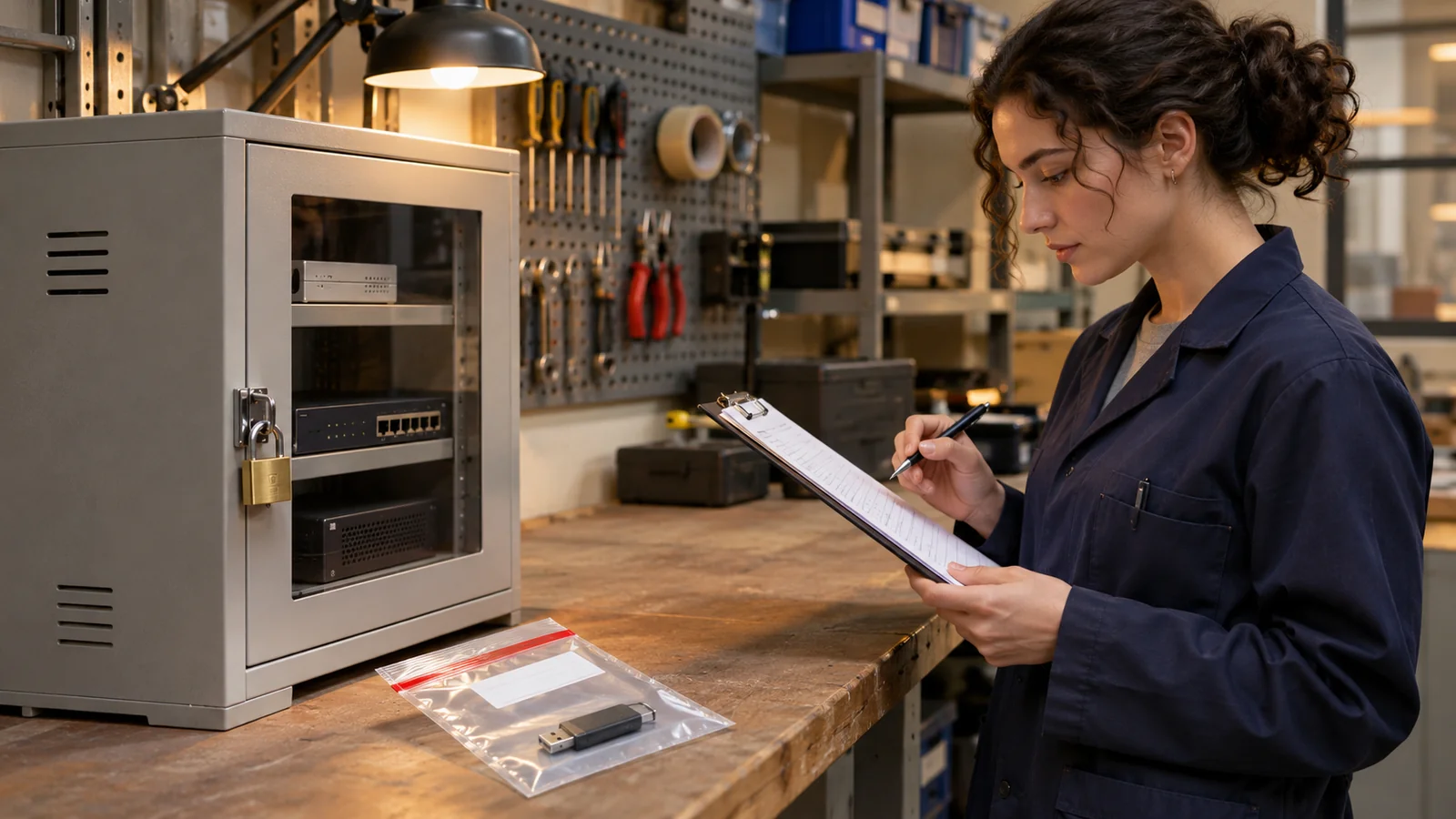
A workshop uses a separate computer to handle instructions for a piece of equipment. A production file comes from design and requires approval before use. One morning, the operator sees a file name that differs from the one on the order. The procedure tells the operator to hold the import, identify the document and confirm which version is authorized with the design team.
The signal could come from an accidental rename, a planned update or a security issue. The check compares the job record and the expected version with what arrived. If there is cause for concern, the team keeps the transfer record and informs the person responsible. The operator resumes work according to a documented decision and the safety rules for the equipment.
Useful checks after a signal
Record the affected system, when the change was noticed and what work was planned. Protect the known-good copy and consult the people who manage the equipment before intervening. With an isolated system, a temporary connection to the ordinary network changes its protection conditions. The team determines how to investigate while preserving separation and the safety of the function the equipment supports.
Ask whether there is a reference configuration, whether the latest updates can be checked and who can confirm a version's authenticity. When the source is uncertain, a specialist can examine artifacts in a controlled analysis environment. The production team also needs a plan to continue work and clear conditions for putting the equipment back into service.
After equipment is replaced, check what happened to the transfer media as well. A record of whether it was withdrawn, checked or reused in the same area helps reconstruct its path. Keeping media dedicated to each area makes responsibility easier to verify.
What to check before the next transfer
A short policy can specify which files are accepted, who approves them, which media are dedicated to the task, the verification method and how long records are kept. An exercise with a fictional file and an unexpected version shows whether the operator can stop the transfer and reach the right person. When a business can explain the path of each critical file, physical separation is supported by a procedure people can follow.