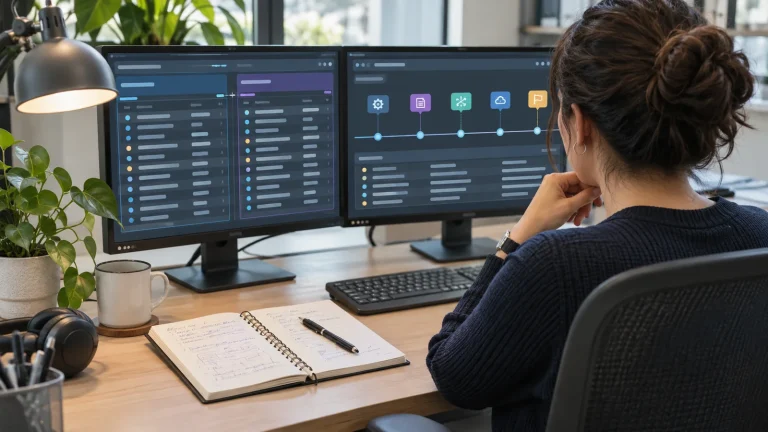
A security alert is a notification that requests attention after a condition or behavior deemed important is detected. It can come from an automated tool or from a person who notices a problem. In a business, the alert connects the signal to a decision: who checks it, what resource it involves and how the team decides whether intervention is needed.
Event, alert and incident
An event is something recorded, such as a sign-in, a change to a file or a change to an account's permissions. A rule can evaluate an event or a sequence and trigger an alert. A team confirms an incident when its investigation shows harm to security or an imminent threat under the organization's criteria. Keep the status of the initial signal and the subsequent findings separate.
The tool's severity label expresses its assessment under predefined rules. The actual working priority also takes account of the importance of the application, account privileges, affected data and whether the situation continues. The same change on a highly privileged technical account and on a test account can warrant different decisions. Record the factors used so the priority can be explained later.
| Item | Demonstration example | Question for the team |
|---|---|---|
| Event | Sign-in to the dashboard | What happened and when? |
| Alert | Sign-in outside office hours | Who checks it and how urgently? |
| Confirmed incident | An unauthorized setting change | What do we contain and restore? |
An example from a scheduling application
A clinic receives an alert about a dashboard sign-in when the reception desk is closed. Useful details include the time, system, event type and account identifier. The person responsible checks the normal administrative portal or their own logs to see what happened next. They check whether the time zone was displayed correctly and whether the team had planned work.
If the responsible person confirms authorized maintenance and the log matches it, the alert can be closed with that explanation. If the operator does not recognize the activity and a significant change occurred, the case is prioritized and escalated. Approved measures can include restricting access and contacting the provider while retaining the records needed to determine the impact.
What a useful alert contains
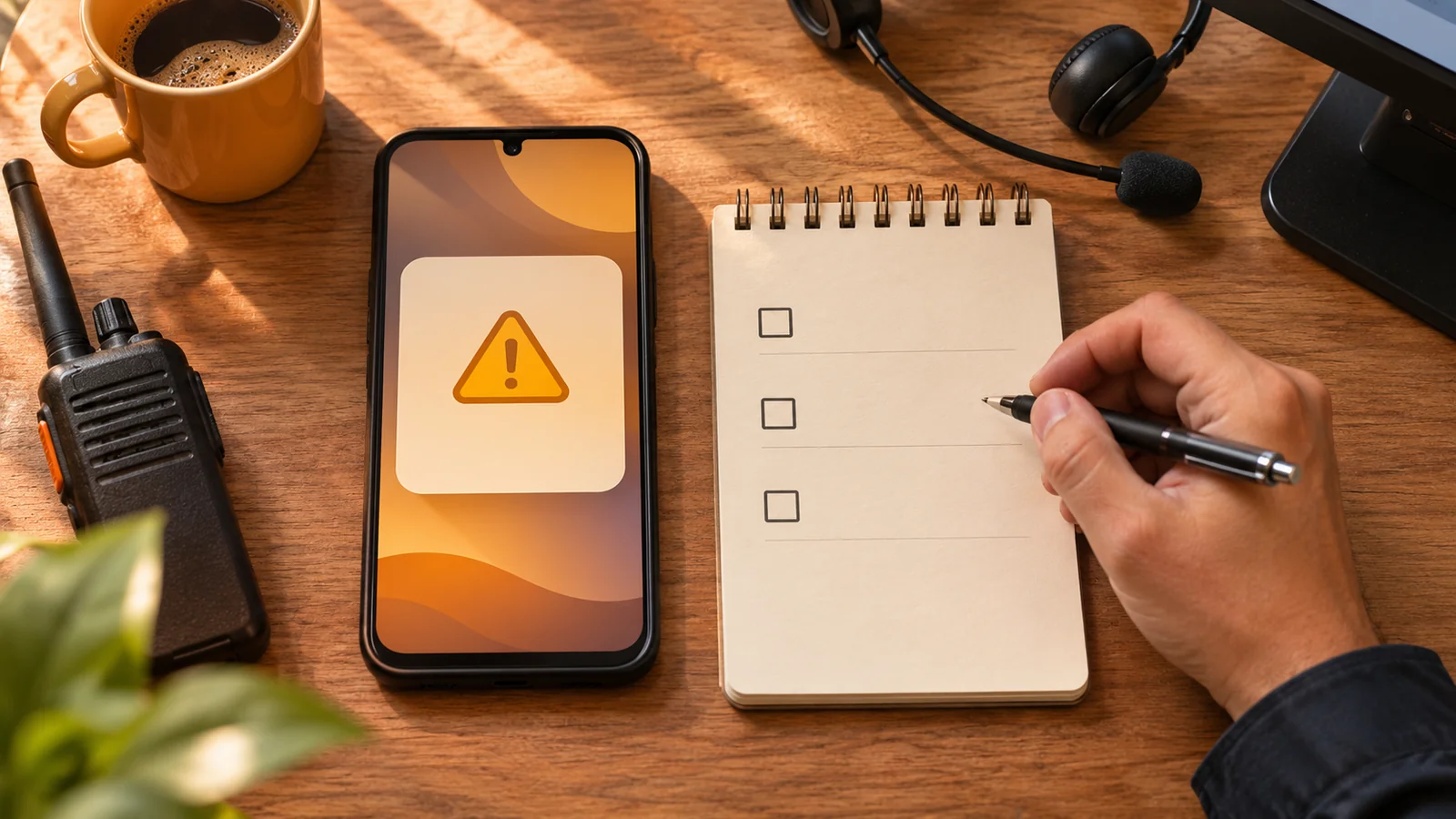
A useful message shows the date and time with time zone, the source, the affected service, the condition that triggered it and a reference to a record someone can check. A short note can say who owns the response and where to open a case. Keep passwords, tokens and full customer records out of notifications. Recipients can look up details in the authorized system used for the work.
For a small business, a simple escalation path is more useful than a long list of email addresses. Decide where urgent alerts go outside office hours and what happens when the designated person is unavailable. For repetitive alerts, compare how many lead to action with the volume the team can check. Adjusting the rules should preserve visibility for events that matter.
In the on-call instructions, say where to find the log when an alert arrives overnight and which number to use if the dashboard is unavailable. A demonstration alert shows whether the right person receives it within the required time.
Closing a case in a useful way
Record the check performed, the confirmed information and the reason for closing or escalating. If there was an intervention, record when it happened and how recovery was checked. After several similar cases, compare the explanations. You might find a frequent legitimate operation, missing data or a situation that needs a distinct rule. The next alert then becomes easier to interpret and assign.
For an administration dashboard, Web Hat can help review application protection and access. Documented alerts show which permissions and operations the business needs to monitor in that application.