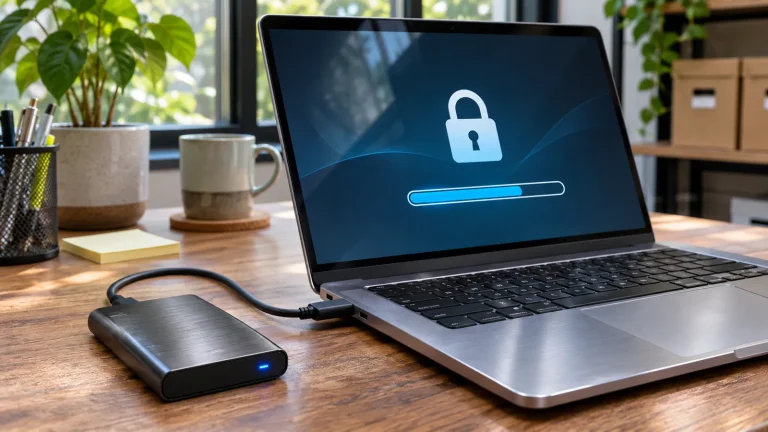
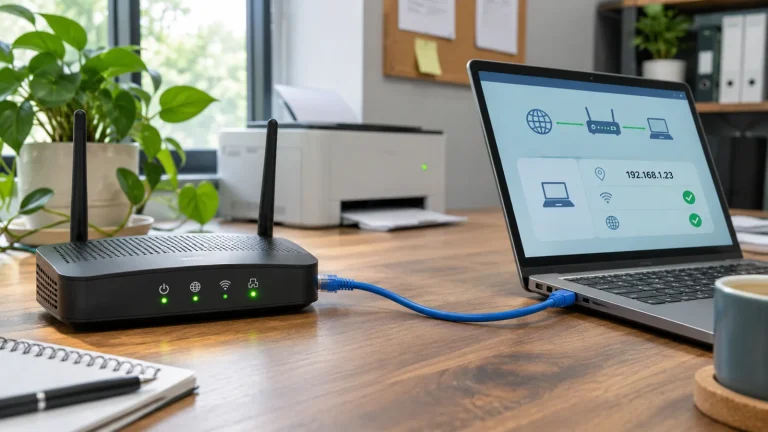
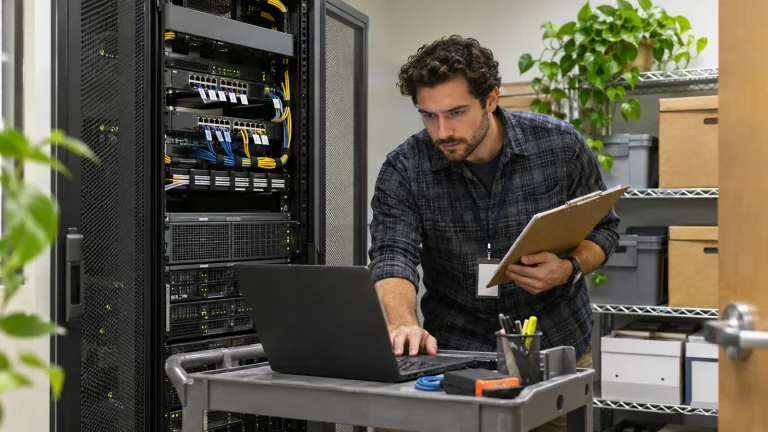
Remote access lets someone use business resources from outside the location or network where those resources are managed. It can mean opening a CRM in a browser, working through a virtual private network, or using a desktop in another office. The right method depends on the task and which resources the person needs.
What the person connects to
When someone opens an application in a browser, they work with the features that application provides. A VPN can give a device a protected connection to network resources, within limits defined by the business. A remote desktop session lets someone use the desktop and applications on another computer within the permissions of the signed-in account. These methods can coexist. They address different needs and should be evaluated according to the access they actually provide.
Before choosing a method, record the resource and the action the person needs. An external accountant may only need to download monthly documents from a portal. A technician might need to work on an application running on an office computer. A dedicated portal account with document download permission is sufficient for the first job. The other scenario calls for an approved support method, with a defined time window and a named owner.
An example from a store with a hybrid team
An online store has staff who answer customer questions from home. They open the CRM in a browser and view the orders needed for those conversations. Each person uses their own account and confirms the sign-in with the additional method the business has selected. Payment settings and full exports are reserved for other roles. The team can work remotely with a clear boundary around the information it uses.
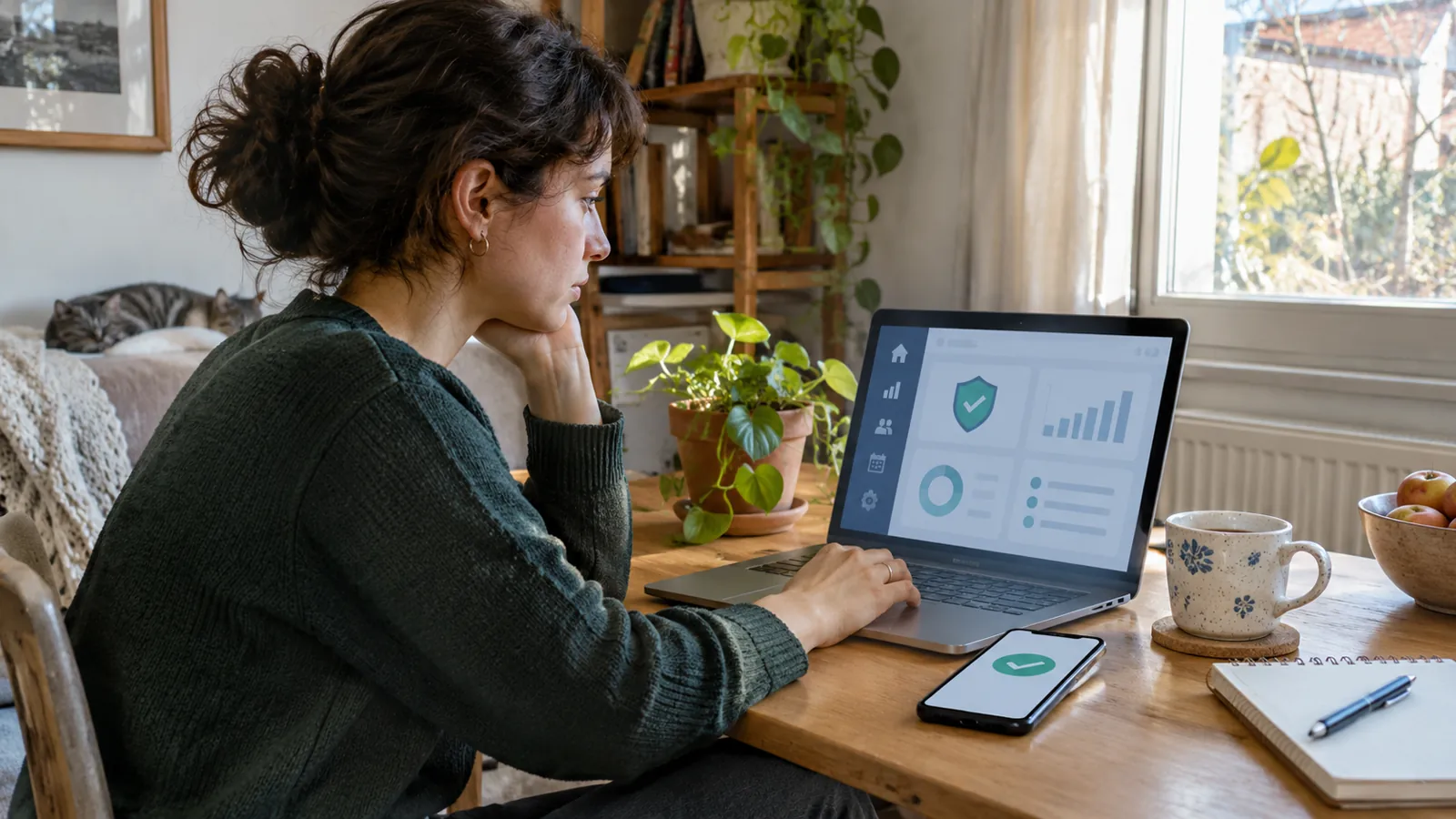
A contractor in the same business helps configure an integration over two days. The administrator records who approved access, which system the work covers, and when the engagement ends. At the end, the administrator confirms removal of the temporary role. This review matters even when the contractor continues to work on other projects. They may still need an active account with a different set of permissions.
| Method | Practical question |
|---|---|
| Browser access | Which screens and actions should the application allow? |
| VPN | Which network resources should the device reach? |
| Remote desktop | Who owns the computer being accessed and which sessions are approved? |
Which controls matter from any location
A protected connection secures data in transit over the part of the connection it covers. The business also decides how to verify identity, what each account can do, and which devices can enter the system. A shared laptop or a device missing updates can expose open sessions and downloaded files. Define the policy for personal devices, updates, and document storage before granting access to sensitive information.
Decide which records the team will need when a session is questioned. The sign-in time, account, and resource used can help the team check an event. Platforms and configurations record different events, so verify what is logged before relying on the history. Try the workflow with an approved test account and confirm what happens when its permissions are withdrawn.
Begin with access you can explain
For each contractor, write a short sentence naming the resource, the permitted action, and when the decision needs review. If the team uses a browser-based application, Web Hat can review roles and access checks as part of securing access to applications and online stores. That gives the technical decision a clear connection to the work people need to do.