An IP address identifies an interface on a network that uses the Internet Protocol. It helps data reach the correct destination. In a log, the address describes one part of the connection as seen by the system that recorded the event. The same address may appear for multiple devices or users.
How to recognize IPv4 and IPv6
An IPv4 address has 32 bits and is often displayed as four numbers separated by dots. The address 203.0.113.24 is an example from a range reserved for documentation. IPv6 uses 128-bit addresses written in groups of hexadecimal characters separated by colons. Some groups of zeros can be abbreviated. A service can be reachable over IPv4, IPv6, or both, depending on its configuration and network.
An address and a domain name are different pieces of information. In normal use, you enter the name of a site, and the Domain Name System helps the application find addresses to use. The same site can have several addresses to balance traffic or distribute content. A change to an address does not automatically mean the website's name has changed.
How public and private IP addresses differ
In many offices, devices use private IPv4 addresses for local communication. These ranges can appear in many businesses because the addresses are not meant to be routed on the public internet. Connections to the internet may pass through equipment that translates addresses, making several devices appear to use a shared public address. Other network designs, including IPv6 deployments, may work differently.
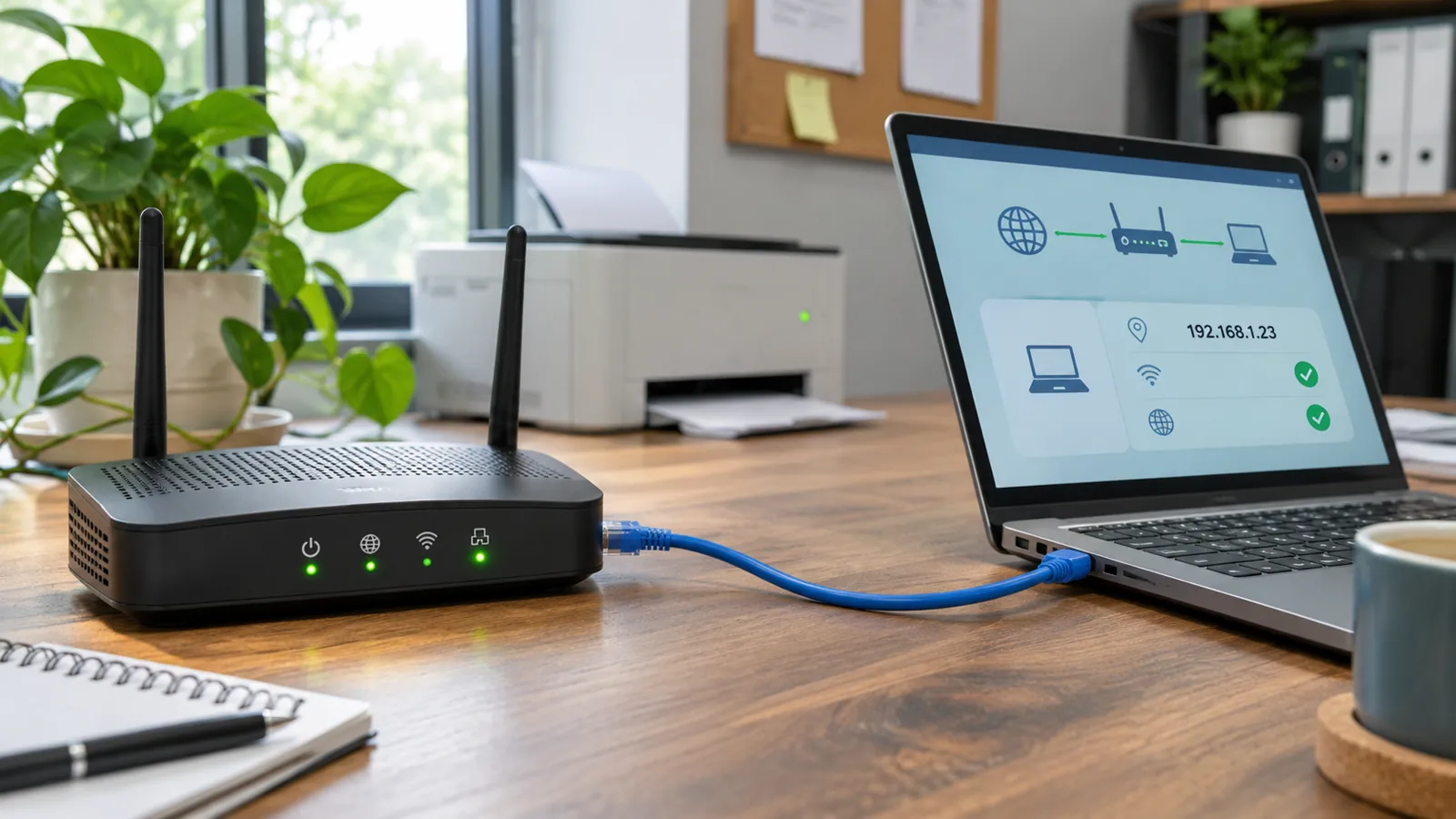
Imagine an office with a laptop and a printer connected to the same local network. The laptop can print by sending data to the printer's local address. If it opens an external portal through a connection that uses address translation, the portal may see the public address of the router or another network intermediary. The portal log tells you about the connection it received. It does not reveal the entire network layout of the office.
What to check when an alert includes an IP address
Start with the source of the log and the meaning of the field. A service that receives traffic through a proxy may log the proxy's address. An application can also be configured with a separate field for the client address. The administrator checks which source is trustworthy within their own architecture. Then associate the address with the time, resource, and outcome of the request. An account, session identifier, or change confirmed by the team can add context.
Addresses assigned to users can change. A shared address may appear in logs for several customers. A location linked to an address is an estimate whose limits depend on the service and network. For access and incident decisions, interpret the address alongside the additional records the responsible team has the right to review.
The same distinction matters in traffic reporting. When an application counts distinct IP addresses, the result measures observed addresses. Several coworkers may use one router, and a single person may connect from two networks. Before comparing two reporting periods, check whether the logging source and aggregation method were the same. Otherwise, a change in configuration can appear as a change in activity.
A simple rule for reading the log
First record that the system logged an address at a certain time and for a specific action. Then identify what may explain that record and which evidence supports the explanation. This order lets the team investigate an event and revisit its conclusions when new information becomes available, while preserving the original observation.