Romanian captions can be prepared locally through speech recognition, review and synchronisation in a video editor. For a business, this turns its recordings into material that is easier to follow with sound off and text that can be reused. The final file should preserve what was said, correct names and when each line appears.
Select transcription for the recording’s language
Whisper is a speech-recognition system with multilingual models. Models ending in .en are dedicated to English; choose a multilingual model for Romanian recordings. For speech translation into English, select a multilingual model trained for translation, such as medium or large. The turbo variant is intended for transcription and was not trained for translation. Transcription preserves the recording’s language. Translating an English script into Romanian is a separate stage.
faster-whisper is a CTranslate2-based implementation with CPU or GPU execution and options such as int8. Select the configuration for the resources and recording, without transferring the authors’ benchmark times to another computer. Kdenlive integrates transcription and subtitles through engines such as Whisper and Vosk.
From speech to reviewed captions
1
AudioAuthorised recording and intelligible speech track.
2
TextTimestamped transcription and corrections.
3
CaptionsSegmentation, synchronisation and export.
Prepare the audio and retain the original
Identify the speech track and keep the original file. Loud music, overlapping speakers and noise need attention during review. If preparing an audio copy for processing, keep its association with the source and record any cuts. Captions should follow the edit that will actually be published.
In a two-person interview, speaker names and spoken text are different information. A word timestamp estimates position in the audio; it does not automatically identify a person. If speaker labels are required, establish a separate method and check voice changes against the recording.
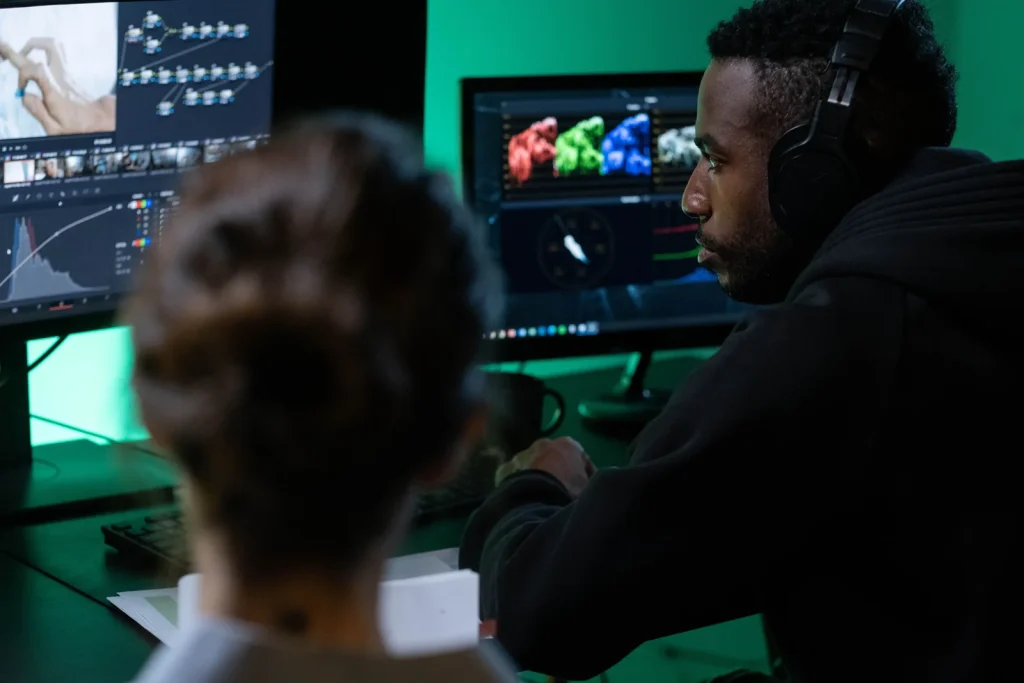
Review names, numbers and meaning
Compare the transcript against the sound, especially product names, technical terms, locations and amounts. An error in a small connecting word can change a commercial condition. Retain Romanian diacritics and punctuation without inventing a completion unsupported by the recording.
A business glossary can contain correct names and abbreviation spelling. Use it during review and when preparing inputs supported by the implementation. For an unintelligible fragment, the editorial owner returns to the source or removes that fragment from the edit, then updates the text as well.
| File | Contents | Use |
|---|---|---|
| Transcript | Speech text and working time references | Review and searching the recording |
| SRT or VTT | Lines with time intervals | Separate subtitles where supported |
| Video with embedded text | Captions drawn into frames | A version visible independently of a separate track |
Segment for meaning and available space
A caption should be readable during the time it appears. Divide sentences into meaningful units and review line breaks in the chosen vertical or horizontal format. Where composition allows, avoid separating a first and last name or a number and its unit.
As an illustrative example, “Send the product photographs” and “You then receive an editing proposal” can form separate lines. Set their timings against real audio. This article does not impose a universal character threshold: review the font, frame size and spoken duration together.
Reviewing an on-screen caption
1
MeaningA coherent unit with correct terminology.
2
TimingAppears and disappears with the speech.
3
FrameRemains readable over the image in the selected format.
Choose the export for its destination
SRT and VTT retain text and timing in separate files. Visually embedded captions remain in the image at every playback. Keep editable caption text in the business archive regardless of final delivery. A name correction then becomes a clear, numbered revision.
FFmpeg can compose subtitles into video when the selected build has the necessary support, including libass for the relevant filter. An editor can manage appearance and placement. Check fonts, diacritics, contrast and overlap with existing on-screen text before the final export.
Organise bilingual review and archiving
For English captions on Romanian material, translation preserves information but segmentation can differ. Align lines with the audio version being used. If English appears only as captions over Romanian audio, record that separately from a video dubbed with an English voice.
At handover, retain the original, edit, reviewed transcript, caption files and approval. Useful indicators for a future implementation include correction time and errors remaining after review.
One recording, identifiable versions
1
SourceOriginal and rights.
2
ReviewTranscript, glossary and approved edit.
3
DeliveryRO/EN files and associated exports.
Integration for a content team
WebHat uses customised local AI and can advise on organising transcription and archiving. A custom application with AI integration can connect asset intake, the glossary and team approvals.
Practical questions
Is a dedicated GPU required?
faster-whisper also supports CPU execution. Assess configuration and processing time for the selected task.
Does Whisper translate English into Romanian?
Multilingual translation models produce English; turbo is for transcription. Prepare Romanian translation separately.
Do timestamps identify the speaker?
They indicate position in time. Speaker identification requires a separate stage and review.
What should be retained for corrections?
Editable text, time references, the project and its association with the final video version.