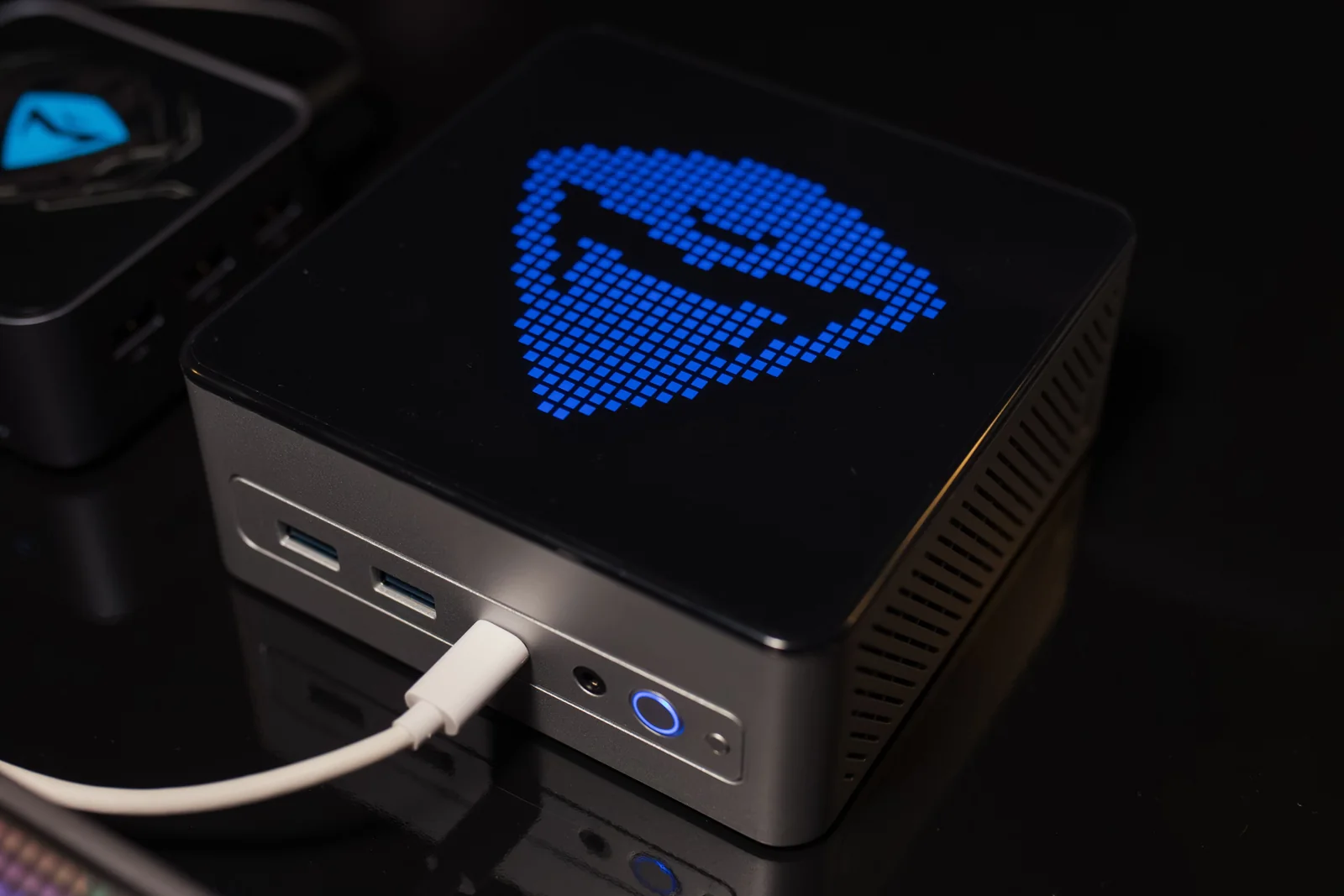
AMD announced the availability of a Ryzen AI Halo configuration with Windows 11 and Project Zenith preinstalled on November 9. The system uses the Ryzen AI Max+ PRO 495 processor and is aimed at developers building and testing AI applications on their own computer. The new offering pairs this hardware configuration with a factory-configured developer environment, including tools for coding, source control, and working with Linux from Windows.
What Project Zenith adds to Windows 11
Microsoft introduced Project Zenith at IFA 2026 on September 4 and identified Ryzen AI Halo as the first platform scheduled to get it. AMD's November announcement concerns the shipment of the preinstalled configuration. Microsoft's programme targets developer systems with at least 64 GB of unified memory and at least 250 GB/s of memory bandwidth. Those figures describe the class of device outlined in September. The capacity of AMD's configuration comes from its own specifications.
The environment includes Git, GitHub CLI, GitHub Copilot CLI, and Azure CLI, alongside Python, Node.js, .NET, and PowerShell 7. Visual Studio Code and Windows Terminal are pinned to the taskbar in the configuration described by Microsoft. Windows Subsystem for Linux, known as WSL, makes it possible to use Linux tools and workflows within Windows. The preinstalled tools cover common development tasks, from working with a source repository to launching an application for testing.
Microsoft also described interface settings geared towards development. File Explorer shows extensions and hidden files, and long paths are supported. Showing extensions makes configuration files and scripts easier to identify directly in the file manager. The profile remains configurable. AMD points owners of a Ryzen AI Halo already running Windows to Microsoft's Windows Developer Config project, where they can apply the environment settings to a system they already use.
How the workstation shares its memory
AMD lists up to 192 GB of unified memory, with up to 160 GB available to graphics, and 273 GB/s of memory bandwidth. The capacity available to graphics comes out of the system total. The processor and graphics share the same memory pool with running applications and services. Bandwidth describes how much data can move per second, while capacity describes how much can be held in memory at once.
The two figures answer different questions when assessing a local model. A weights file takes up storage space, and the inference engine then loads it into memory in a supported format. Sessions also hold context, intermediate data, and the state needed to generate outputs. A configuration may have room for a model and produce responses at different speeds depending on the format, input length, and how many people are using it at the same time.
The platform combines an x86 processor, integrated graphics, and AI acceleration. The application and model runtime determine which resource they can use for a given workload. For the language models in AMD's examples, compatibility with the selected runtime and validated software versions is as concrete a consideration as the amount of assignable memory. An image generation demo, a coding assistant, and a workflow with two loaded models use system resources in different ways.

AMD's examples for development and local automation
AMD complements the Windows environment with Ryzen AI Developer Center. The company describes the application as a place to access developer resources, installed tools, and the software configurations it has validated. The documentation groups examples in AMD AI Playbooks. One language model workflow uses PyTorch and ROCm, while the company lists ComfyUI for visual generation. It also documents working with Qwen3-Coder in Visual Studio Code and serving a model through LM Studio.
The platform page lists support for Windows and Linux. The announcement adds a preconfigured Windows 11 profile. With this profile, a team can use WSL for components that need Linux and native Windows applications for the rest of the workflow. Compatibility for each component depends on the operating system, driver, and runtime libraries in use.
Another example uses n8n with local language models. In that kind of workflow, the automation tool orchestrates the steps and calls the model to process an input. In an internal application, the source of the documents, access permissions, and the destination of the data are defined at the workflow level. A model on the workstation can generate output on that device, while connections to other services depend on the nodes and integrations the team configures.
For a business validating a prototype, the operational difference is how many components need to be prepared before the first test. The Zenith configuration provides the Windows baseline, while Developer Center points to AMD's software versions and examples for AI workloads. Teams still choose the model, the working data, and how to evaluate the results. A workstation used by one developer and an installation accessed by the whole team have different usage profiles, even if they run the same model.
In its November 9 announcement, AMD lists US retailer Micro Center for the Ryzen AI Halo with Project Zenith. The availability information applies to the preinstalled Ryzen AI Max+ PRO 495 configuration and the sales channel named by the company. AMD also mentioned expansion to other Ryzen AI Max devices. For those devices, the announcement describes the next stage without giving a schedule by model.