
A QR code for a restaurant menu can shorten the path between taking a seat and browsing the dishes. Customers point their phone camera at the code, open the address shown and reach the menu selected by the restaurant. It is a very good idea for a restaurant that wants guests to access its menu quickly by scanning at the table, without searching for the business online or typing a web address.
The qr.webhat.ro platform allows businesses to create dynamic QR codes for web addresses and manage them from an account. A restaurant can use a menu page, a publicly accessible PDF or another suitable destination. A dynamic code becomes particularly useful when that address needs to change: the destination can be updated in the platform while the QR code already printed on table stands stays the same.
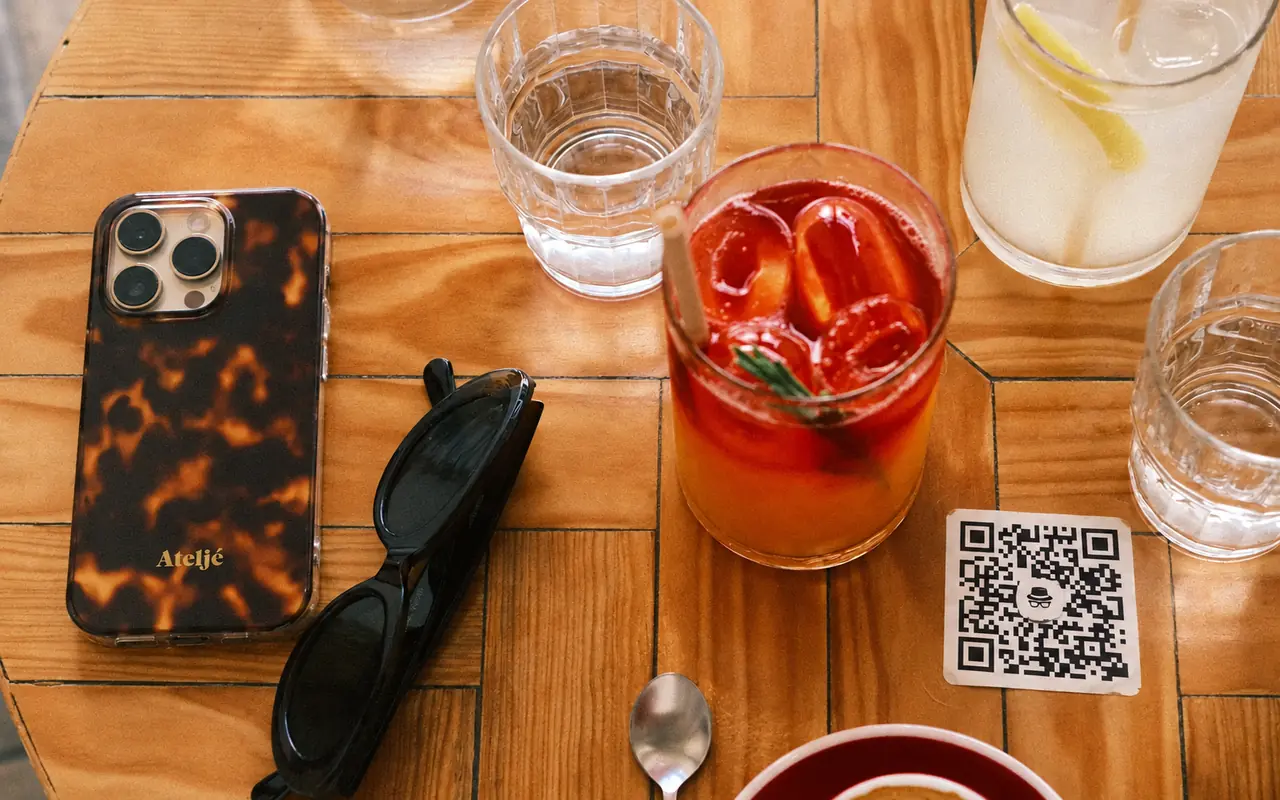
Restaurants, cafés and other businesses serving customers at tables
This approach suits restaurants, bistros, pizzerias, cafés and bars that want to make their menu available where the customer is sitting. The code can appear on a table stand, inside a printed menu or on a clearly visible display near the counter. A café can use it for its drinks list, while a restaurant can provide access to dishes, desserts and the selection available that day.
Hotels and guesthouses with restaurants can direct guests to breakfast or room service menus. A restaurant with an outdoor terrace can offer the same digital presentation indoors and outside. Businesses with several locations need to choose the destination carefully: customers should see the menu for the location they are visiting, including the prices and availability that apply there.
The purpose should be clear before someone scans. A label such as “View the menu” communicates more than a QR square without an explanation. If a restaurant also uses separate codes for reviews or reservations, each display should identify its destination. Customers looking for dishes then reach the menu and can decide for themselves whether to visit another page afterwards.
What changes when a menu uses a dynamic QR code
A conventional QR code can contain the direct address of a PDF. If the document moves to another address, the printed code continues to point to the old one. On the WebHat platform, a dynamic code uses a stable intermediary address managed in the account, which redirects visitors to the current destination. The administrator can change that destination without generating a new QR pattern for every table.
This is useful when a restaurant replaces its menu file, moves from a PDF to a mobile page or transfers the menu to a new website. When dishes are updated at the same address, both the destination and the code can remain unchanged. The distinction matters: the platform manages access to the chosen address, while the restaurant updates the menu content in its own page or document.
A QR code does not automatically create a menu or add ordering, payment or reservation functions. Those features are available only if the destination page provides them. The business therefore needs a working public destination. A page protected by the administrator's password, or a document that requires access permission, is not a suitable choice for customers sitting at a table.
A readable menu matters as much as the scan
QR access is useful when the information is easy to read on a phone. Dish categories, names, prices and descriptions should be visible without repeated zooming or horizontal scrolling. A page designed for mobile screens is a practical option. A PDF can also work if its text is readable and its file size is reasonable, rather than relying on photographed pages that are difficult to browse.
The restaurant needs to check that the displayed menu is current. An outdated seasonal selection or prices that differ from those communicated by staff can cause confusion even when scanning works correctly. It helps to assign responsibility for updates to someone on the team and test the destination after each important change. For international guests, the menu can include a translated version prepared separately.
The phone and internet connection affect access. A well-made QR code cannot compensate for an unavailable website or a very slow file. Restaurants can retain printed menus and staff assistance for customers who do not use their phones. This option makes it possible to offer a digital menu without making scanning a condition for browsing the selection or receiving service.
Preparing the code for tables, counters or packaging
WebHat offers QR downloads in PNG, SVG and PDF, formats suitable for digital materials and print. Colours, a logo and nearby text can help identify the restaurant, but the contrast and clear space around the QR pattern need to be preserved. The platform checks that generated codes can be decoded; a test on the physical material is still necessary because the material, lighting and reflections can affect readability.
Before printing codes for every table, test a sample at its final size with different phones and under the restaurant's usual lighting. Check the position too: a stand hidden behind glasses or a glossy surface can make scanning harder. For menus shared digitally, also provide an address customers can open directly, particularly when they are reading the document on the same phone they would use to scan.
What the code statistics can tell you
The platform separates confirmed browser visits from other technical requests, including some previews and automated access. Administrators can view activity by code and period, alongside information about devices and destination versions. These data can help a restaurant see whether its menu is being accessed and compare the use of codes placed in different locations, provided each placement has its own code.
A visit does not prove that someone read the entire menu or placed an order. Estimated visitor numbers are not an exact record of the people at the tables. The statistics support access management; orders and revenue need to be tracked in the systems that record them. CSV exports and optional periodic reports can make it easier for the person managing the restaurant's codes to collect the information.
Getting started with qr.webhat.ro
At the time of writing, the free plan allows two active QR codes for four months from account activation, without a card. Paid plans allow six active codes with a monthly or annual subscription. The free period lets a business test its menu and a second destination before deciding which uses it needs. Code operation depends on keeping the account on an active plan and on the destination remaining available.
The first steps are to select the online menu, create the code, check it on a phone and print a sample. The WebHat dynamic QR platform provides destination management and customisation through its account interface. Available at qr.webhat.ro, the service is intended for businesses that want to keep control of the addresses their customers access, including when the menu changes or the restaurant moves to a different website.
